Many WooCommerce stores start small and grow quickly. Early success often comes from strong products, effective marketing, and the flexibility of the WooCommerce ecosystem. At lower volumes, the platform performs reliably with standard hosting, a few plugins, and minimal optimization.
However, once a store approaches or exceeds 1,000 orders per day, the technical demands change dramatically. Database load increases, checkout traffic spikes, integrations multiply, and operational workflows become more complex. What once felt like a simple storefront begins to behave more like enterprise infrastructure.
For business owners, this stage can feel confusing. WooCommerce is powerful, but it requires deliberate architectural decisions to scale reliably. Stores that ignore this shift often encounter slow checkout experiences, order processing delays, or backend instability during peak traffic.
Scaling WooCommerce successfully is not about abandoning the platform. It is about building the technical foundation necessary to support sustained transaction volume. With the right architecture, WooCommerce can handle significant order throughput while maintaining speed, reliability, and operational clarity.
Understanding What Changes After 1,000 Orders per Day
Crossing the 1,000-orders-per-day threshold introduces new patterns of system stress. Each order creates database entries, triggers background processes, and activates multiple integrations such as payment gateways, shipping providers, and analytics platforms.
As order volume grows, these processes multiply. Inventory updates run more frequently. Webhooks trigger more often. Payment validation and fraud checks occur simultaneously for large numbers of customers.
The WooCommerce database becomes particularly important at this stage. Order data, product metadata, user records, and transaction logs all reside in MySQL tables. As these tables grow, query execution time can increase significantly if indexing and database structure are not optimized.
An experienced woocommerce developer typically evaluates database performance first when scaling a high-volume store. Efficient query structures and well-managed indexing are critical to maintaining consistent response times.
For business owners, this stage marks the transition from a simple storefront to a transactional system that must operate continuously without interruption.
Hosting Infrastructure Becomes Mission Critical
Infrastructure is one of the most important factors when scaling WooCommerce beyond 1,000 orders per day. Many growing stores begin on shared hosting or basic managed WordPress plans. These environments work well for moderate traffic but struggle under heavy transactional load.
High-volume WooCommerce stores require dedicated resources, optimized PHP execution environments, and scalable server architecture. Load balancing, containerized hosting, and advanced caching strategies often become necessary.
At scale, the difference between average hosting and optimized infrastructure becomes visible immediately. Page load times stabilize, checkout performance improves, and server response remains consistent during peak traffic.
A professional woocommerce developer often collaborates with infrastructure engineers to design hosting environments specifically optimized for WooCommerce workloads. This ensures the platform can handle traffic spikes during promotions or seasonal demand without failure.
For business owners, investing in proper infrastructure is not a luxury at this stage. It is a requirement for protecting revenue.
Database Optimization for High Order Volume
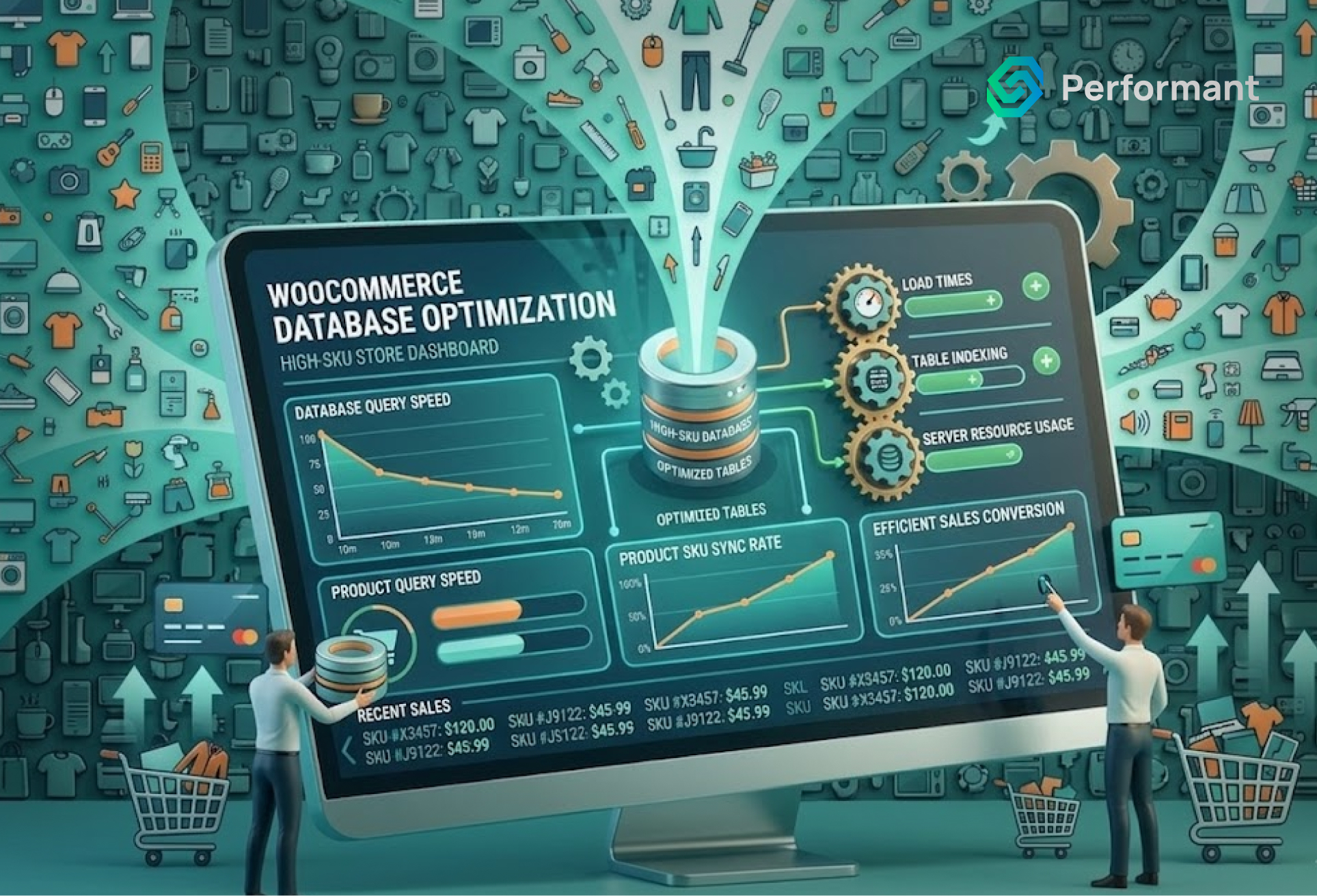
The WooCommerce database grows rapidly when order volume increases. Every transaction generates multiple entries across order tables, metadata tables, and user activity logs. Without careful optimization, these tables can become inefficient. Queries that once executed instantly begin to slow down as the dataset expands.
Database optimization typically focuses on several key areas. Indexing ensures queries locate data quickly rather than scanning entire tables. Query optimization reduces unnecessary joins or redundant data retrieval. Table maintenance prevents fragmentation and maintains efficient storage structures.
At higher volumes, separating database responsibilities may also be beneficial. Some stores move reporting queries to separate database replicas so that analytics workloads do not interfere with checkout performance.
A knowledgeable woocommerce developer treats database management as a long-term operational discipline rather than a one-time configuration.
Checkout Stability Under Heavy Traffic
Checkout is the most sensitive part of any eCommerce system. When a store processes more than 1,000 orders per day, multiple customers may be completing purchases simultaneously. Payment gateways, shipping calculations, and order validation processes must all execute reliably.
Plugin conflicts or inefficient scripts that seemed minor at lower traffic levels can become critical failures at scale. Slow checkout operations can create queues of pending transactions, increasing the likelihood of abandoned carts.
Optimizing checkout performance often involves simplifying the checkout workflow. Removing redundant plugins, consolidating scripts, and reducing unnecessary API calls ensures that transactions process quickly and consistently.
A skilled woocommerce developer will also test checkout under simulated traffic conditions. Load testing helps identify bottlenecks before they affect real customers.
For business owners, stable checkout performance directly translates into predictable revenue.
Background Processes and Order Processing
WooCommerce relies heavily on background tasks to manage store operations. These tasks include sending order confirmations, syncing inventory, processing subscription renewals, generating reports, and communicating with third-party services.
As order volume increases, the number of background tasks grows dramatically. If these processes run inefficiently, they can consume server resources and slow down the storefront.
One common solution is moving background tasks to dedicated worker queues. Instead of running directly on the web server, tasks are processed asynchronously by specialized workers designed for high throughput.
This separation prevents operational tasks from interfering with the customer experience.
An experienced woocommerce developer often restructures background processes to ensure they scale independently from the storefront.
Managing Plugin Complexity at Scale
WooCommerce’s plugin ecosystem provides enormous flexibility, but plugin management becomes increasingly important as a store grows. Each plugin introduces additional code, database queries, and scripts. While this may be manageable at a smaller scale, high-volume stores must carefully evaluate the performance impact of every extension.
Plugins that interact with checkout, inventory, or order processing deserve particular attention. These areas represent the most critical parts of the store’s infrastructure.
In many cases, replacing multiple plugins with a single custom solution can improve both performance and maintainability. Custom development allows functionality to be designed specifically for the store’s workflows rather than relying on generalized plugin logic. A thoughtful woocommerce developer approaches plugin selection with long-term scalability in mind rather than focusing solely on convenience.
Integration Architecture for Enterprise Workflows
Stores processing more than 1,000 orders per day often rely on complex integration networks. ERP systems manage inventory and accounting. Warehouse management systems coordinate fulfillment. CRM platforms track customer relationships. Marketing tools analyze purchasing behavior.
Each integration introduces data synchronization requirements. Orders must flow accurately between systems without delays or duplication. Direct plugin integrations may work initially, but they can become fragile as the number of connected services grows.
Many high-volume WooCommerce stores adopt middleware solutions that centralize integration logic. Instead of each system communicating directly with WooCommerce, data flows through a structured integration layer. This architecture improves reliability and makes it easier to modify integrations without disrupting the storefront.
Monitoring and Observability
As WooCommerce stores scale, monitoring becomes an essential operational practice. Business owners must be able to detect performance issues before customers experience them.
Monitoring tools track server performance, database response times, checkout latency, and error rates. These metrics provide early warnings when the system begins to experience stress.
Log analysis also plays a key role. Payment gateway failures, API errors, and background task interruptions often appear in system logs before they become visible problems.
A proactive woocommerce developer establishes monitoring systems that provide continuous visibility into store performance. This allows technical teams to resolve issues quickly and maintain consistent uptime.
Operational Efficiency in the Admin Dashboard
High-volume WooCommerce stores must also consider backend performance. Teams managing orders, updating inventory, and handling customer support rely on the WordPress admin interface. When order counts grow significantly, the admin dashboard can become slow if queries are not optimized. Pagination, filtering systems, and search functionality must be tuned carefully to maintain usability.
Operational efficiency directly impacts business productivity. If internal teams struggle with slow systems, order processing delays and customer support issues may follow.
Improving backend performance ensures that staff can manage high order volume without unnecessary friction.
Planning for Traffic Spikes
Many WooCommerce stores experience seasonal demand or promotional spikes. Flash sales, holiday campaigns, and influencer marketing events can drive traffic far beyond normal levels. Infrastructure must be capable of scaling quickly during these moments. Auto-scaling environments and cloud-based hosting solutions provide the flexibility required to handle sudden surges.
Load testing before major campaigns is also critical. Simulating traffic conditions allows technical teams to verify that the system can handle expected demand.
With proper preparation, WooCommerce can manage substantial transaction volumes without interruption.
The Strategic Role of Technical Leadership
Scaling WooCommerce beyond 1,000 orders per day requires more than incremental improvements. It requires strategic technical oversight.
Business owners often focus on marketing growth and product development, which is appropriate. However, the technical foundation supporting those efforts must evolve alongside the business. Working with a knowledgeable woocommerce developer ensures that architectural decisions align with long-term operational goals. Infrastructure, integrations, and performance optimization become structured initiatives rather than reactive fixes.
When technical leadership is integrated into business planning, scaling becomes predictable rather than chaotic.
Conclusion
WooCommerce is capable of supporting high-volume eCommerce operations, but scaling beyond 1,000 orders per day requires thoughtful engineering. Infrastructure must be optimized, databases must be maintained carefully, and integrations must be structured to support reliable data flow.
For business owners, the most important shift is recognizing that growth changes the technical demands placed on the platform. What worked during early stages may not support enterprise-level transaction volume.
With the right architecture and guidance from an experienced woocommerce developer, WooCommerce can remain fast, stable, and efficient even under heavy demand.
Scaling successfully is not about replacing the platform. It is about strengthening the systems that allow it to perform at its full potential.
Are you ready to write code that can grow and be safe? It’s time to start using PerformantCode. We offer professional development that helps things grow faster and get results.