Slightly slower. The admin dashboard feels heavier. Campaign launches require more testing. Conversion rates soften without a clear explanation.
This pattern is common across growing WooCommerce stores. The slowdown rarely comes from one catastrophic issue. It is usually the cumulative effect of plugin expansion layered over time without architectural discipline.
As a senior engineering perspective, the goal is not to criticize plugins. Plugins are one of WordPress and WooCommerce’s greatest strengths. They accelerate feature deployment and reduce upfront development cost. However, as your business scales, the same tools that enabled early speed can create long-term friction.
Understanding why this happens allows you to correct it before revenue is impacted.
Plugins Are Accelerators, Not Architecture
WooCommerce itself is lightweight at its core. It provides essential commerce functionality while relying on the broader WordPress ecosystem for extensibility. That flexibility is powerful. It allows store owners to install tools for subscriptions, dynamic pricing, shipping logic, SEO, security, caching, analytics, CRM integration, and more without building custom systems from scratch.
In early stages, this modular approach is efficient. You move fast, test quickly, and validate demand.
But plugins are designed for broad compatibility, not for your specific infrastructure. Each plugin introduces its own database queries, scripts, stylesheets, scheduled tasks, and background processes. Individually, these additions are manageable. Collectively, they can strain hosting resources and create performance bottlenecks. The issue is not that plugins are poorly built. The issue is that accumulation without coordination creates complexity.
The Hidden Weight of Database Queries
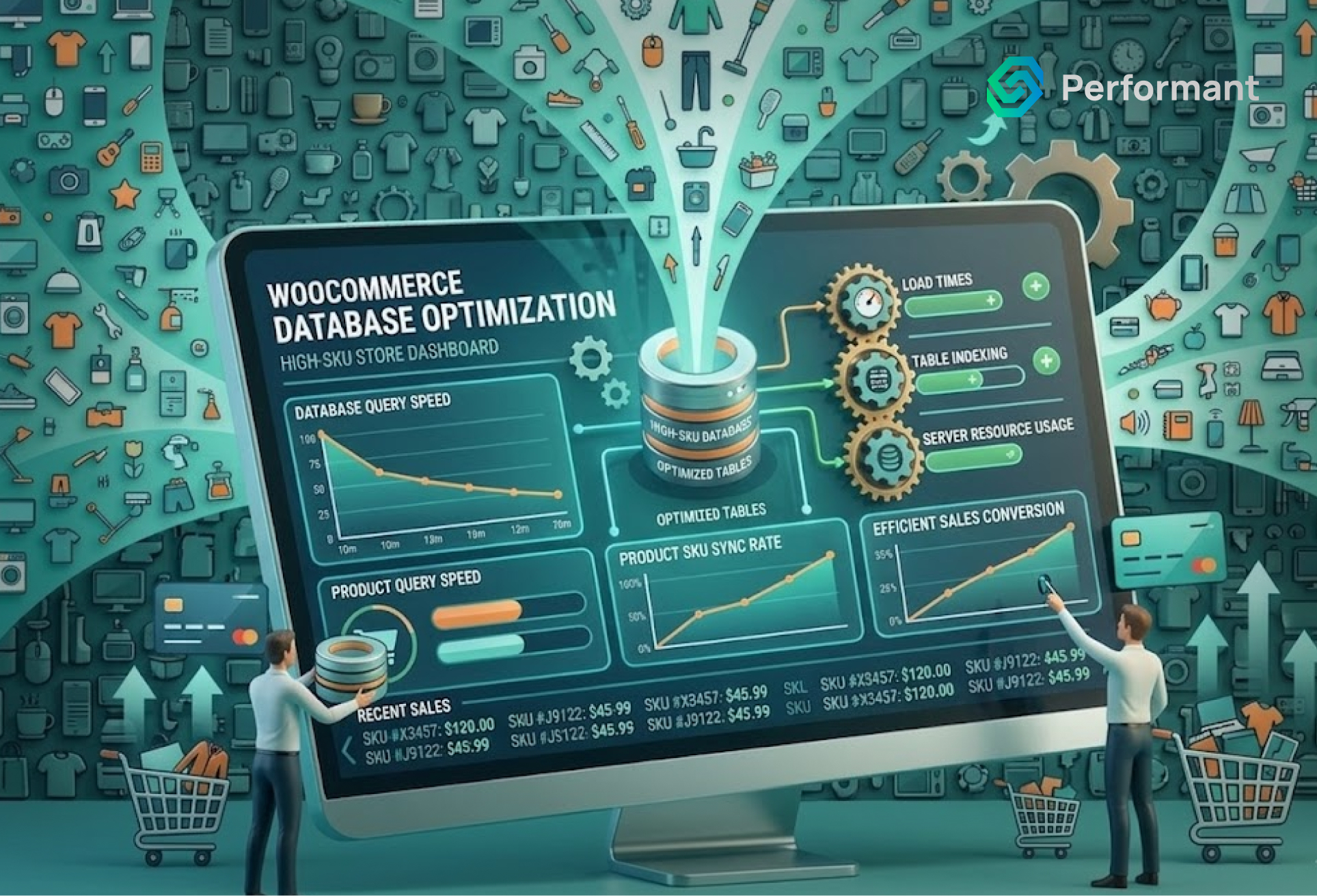
Every WooCommerce store relies heavily on database performance. Product data, customer records, orders, inventory, metadata, coupons, shipping rules, and logs are all stored in MySQL tables. When you install a plugin, it often adds its own tables or stores additional metadata in existing ones.
The more plugins you add, the more database queries are executed on every page load. Product pages may trigger extra queries for related products, custom pricing rules, personalization engines, or dynamic content. Checkout pages may execute validation rules, tax calculations, payment gateway requests, and fraud checks.
Over time, the database becomes bloated. Tables grow large. Indexing may not be optimized. Query execution time increases.
Business owners often focus on front-end speed but overlook database efficiency. Yet database load is one of the primary reasons WooCommerce stores slow down as they scale. Hosting upgrades may temporarily mask the issue, but without structural optimization, the underlying inefficiencies persist.
Front-End Script Overload
Modern plugins frequently inject JavaScript and CSS into your site. Marketing tools add tracking scripts. Upsell plugins add dynamic cart logic. Page builders add rendering layers. Personalization engines introduce asynchronous API calls.
Each script increases page weight and render complexity. Even if individual files are small, cumulative impact can be significant. Browser parsing time increases. Network requests multiply. Time to Interactive extends.
Customers rarely articulate that your store feels “technically overloaded.” Instead, they experience hesitation. Pages feel slightly delayed. Buttons respond a fraction slower. Micro-frictions compound.
For business owners investing heavily in paid acquisition, this becomes expensive. A one-second delay in load time can reduce conversions meaningfully. When traffic scales, the revenue impact becomes measurable.
Many WooCommerce stores that appear visually optimized still carry heavy script loads due to plugin stacking.
Scheduled Tasks and Background Processes
WooCommerce relies on WP-Cron for scheduled tasks. Many plugins add their own background jobs. These may include email automation, abandoned cart reminders, inventory syncs, report generation, subscription renewals, data exports, or external API synchronization.
On low-traffic sites, WP-Cron may execute inconsistently. On high-traffic stores, it may execute too frequently. If tasks are not optimized, they can consume server CPU and memory unexpectedly.
Background processes often run silently. Business owners may not notice them until hosting providers flag resource spikes or the site becomes intermittently slow. As more plugins are installed, the volume of scheduled jobs increases. Without careful monitoring, these processes create invisible performance drag.
Plugin Conflicts and Redundant Logic
As plugin count grows, so does the risk of redundancy. Two plugins may attempt to modify pricing. Multiple tools may track analytics. Several extensions may adjust checkout behavior.
Redundant logic not only increases resource usage but also introduces complexity. Debugging becomes more difficult. Updates must be tested across overlapping functionality. Minor conflicts can escalate into customer-facing errors. Many WooCommerce stores accumulate plugins incrementally. Each solved a short-term need. Few were evaluated as part of a unified system. Over time, this layered logic resembles technical debt rather than structured infrastructure.
Hosting Environment Mismatch
Not all hosting environments are configured optimally for WooCommerce. Shared hosting plans may be sufficient for early growth, but as plugin load increases, server resources must scale accordingly.
WooCommerce is more resource-intensive than static WordPress sites. Add multiple plugins and the demand multiplies. CPU limits, memory constraints, and PHP worker shortages can create bottlenecks during peak traffic.
Business owners often attempt to compensate by installing caching plugins or performance optimizers. While helpful, these are mitigation strategies rather than architectural corrections. When WooCommerce stores experience slowdown after plugin expansion, hosting architecture must be evaluated alongside application complexity.
The Compounding Effect of Metadata
WooCommerce stores rely heavily on post meta and user meta tables. Plugins frequently store custom settings and transaction data in these fields. Over time, metadata tables grow significantly.
Large meta tables slow down queries, especially if indexing is not optimized. Product filtering, search functionality, and admin reporting may degrade in performance.
From a business perspective, this manifests as slower backend workflows. Teams processing orders or updating products experience lag. Operational efficiency declines. Backend speed matters. If internal teams lose productivity due to system friction, overhead increases.
Security and Maintenance Overhead
Each plugin introduces maintenance responsibility. Updates must be applied. Compatibility must be tested. Security vulnerabilities must be monitored. Outdated plugins are one of the most common attack vectors in WordPress environments. Security plugins themselves consume resources through scanning and firewall monitoring.
As plugin count rises, maintenance complexity increases. More updates mean more potential instability. Business owners often delay updates to avoid breaking functionality, which introduces additional risk. Performance slowdown and security risk are often correlated in plugin-heavy environments.
Signs Your Store Is Reaching Saturation
While every environment is different, there are consistent indicators that plugin accumulation is affecting performance:
- Page load times increase despite caching optimization.
- Hosting resource usage spikes during promotions.
- Checkout errors occur intermittently.
- Admin dashboard feels slower with large product catalogs.
- Plugin updates frequently break functionality.
These signals indicate structural strain rather than isolated issues.
Recognizing them early prevents revenue erosion.
The Economics of Plugin Accumulation
From a cost perspective, plugins appear economical. Monthly subscription fees are predictable and lower than custom development costs.
However, subscription fees are only one dimension. Consider three cost categories:
- Direct plugin subscriptions and renewals.
- Hosting upgrades required to compensate for increased load.
- Opportunity cost from conversion loss due to slower performance.
When evaluated over a multi-year horizon, cumulative costs may approach or exceed the investment required for architectural consolidation. This does not mean removing all plugins. It means evaluating their strategic value. Business owners must distinguish between essential extensions and overlapping conveniences.
What Should Stay and What Should Evolve
Commodity functionality is rarely worth rebuilding. Payment gateways, tax integrations, and core WooCommerce extensions typically provide reliable value.
However, custom workflows that drive margin or differentiation may benefit from tailored development. Advanced pricing engines, complex bundling logic, subscription customizations, and integration layers with ERP systems often justify consolidation.
The objective is not minimal plugin count. It is architectural coherence. Many high-performing WooCommerce stores operate with carefully curated plugin stacks supported by optimized hosting and selective custom code.
A Strategic Approach to Optimization
Improving performance in plugin-heavy environments requires structured evaluation rather than impulsive removal. First, conduct a performance audit. Identify slow queries, heavy scripts, and background process load. Use profiling tools to understand resource consumption patterns. Second, eliminate redundancy. If two plugins perform similar functions, consolidate.
Third, evaluate hosting alignment. Ensure PHP versions, memory allocation, and database optimization match store complexity. Fourth, selectively replace high-impact plugins with custom code where it reduces overhead and increases control.
This approach protects revenue while restoring performance headroom.
The Long-Term Perspective
Growth introduces complexity. Complexity demands structure. WooCommerce stores that scale successfully treat infrastructure as an evolving asset rather than a static foundation. Plugins remain powerful accelerators. They enable experimentation and speed. But sustainable growth requires architectural oversight. When systems are intentional, performance stabilizes. Customer experience improves. Marketing efficiency increases. Operational workflows become smoother. Business owners who view technology strategically rather than tactically gain long-term advantage.
Final Thoughts
If your WooCommerce store feels heavier than it did two years ago, that is not accidental. It is likely the result of accumulated logic, database expansion, script injection, and background processes introduced through plugin growth. The solution is not panic or wholesale removal. It is a disciplined evaluation. High-performing WooCommerce stores balance flexibility with structure. They maintain lean, intentional stacks aligned with business objectives. When plugin use supports strategy rather than substituting for it, performance becomes an asset instead of a liability.
Are you ready to write code that can grow and be safe? It’s time to start using PerformantCode. We offer professional development that helps things grow faster and get results.