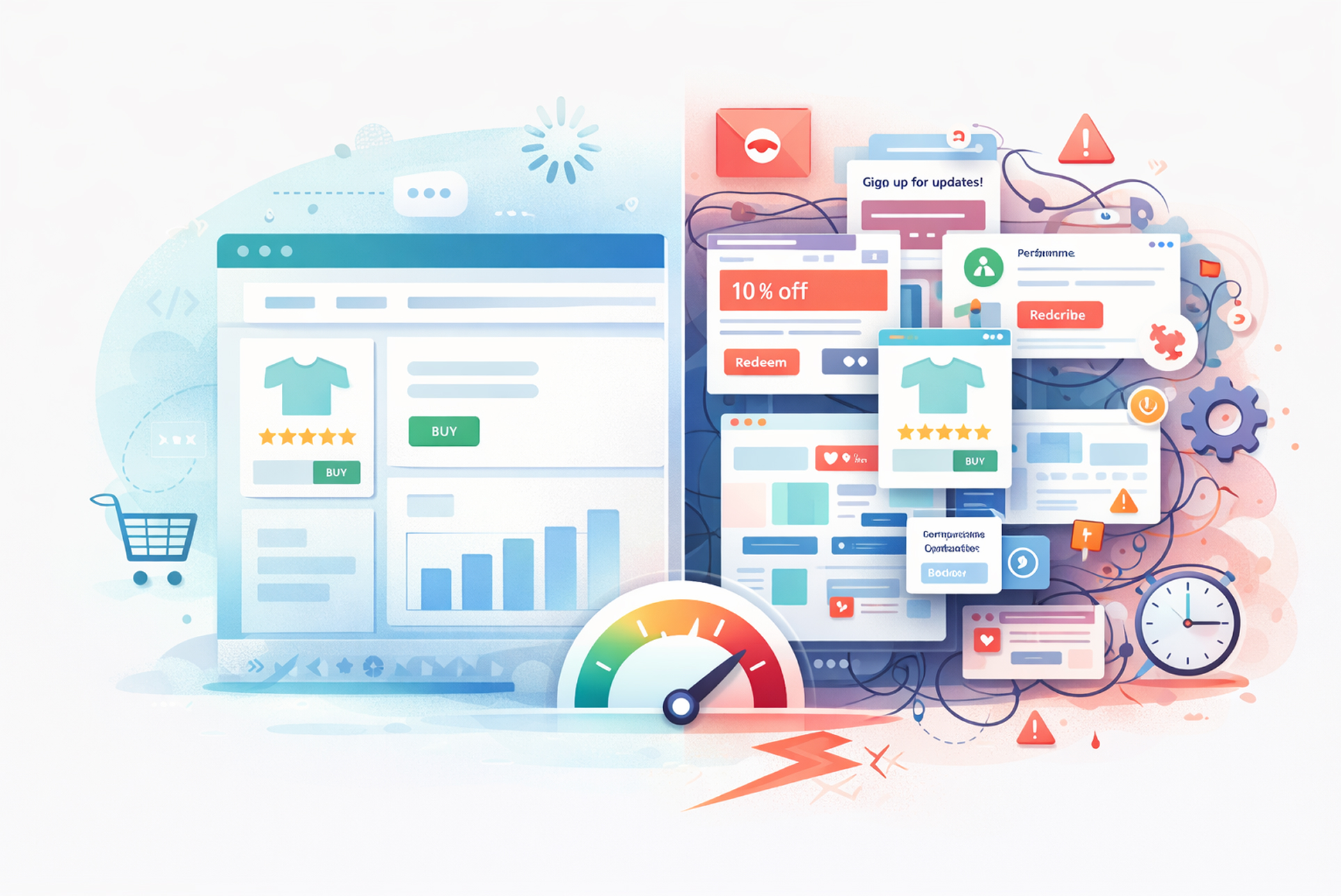
There is a particular kind of frustration reserved for the moment you realize your Shopify store is broken not because of anything you did wrong, but because of something that was supposed to make it better. A theme update pushed through, a Shopify platform change rolled out, and suddenly your homepage layout has collapsed, your navigation menu has disappeared, your product pages look nothing like they did yesterday, or worse, your checkout flow is throwing errors.
For business owners, this is not an abstract technical problem. Every hour your storefront is visually broken or functionally impaired is an hour you are losing conversions. Customers who encounter a poorly rendered page do not wait around for it to be fixed. They leave, and in most cases, they do not come back.
This article addresses the full picture: why Shopify themes break after updates, what the most common failure patterns look like, how to approach diagnosis intelligently, and when the situation calls for professional Shopify development services rather than an attempted self-repair that risks compounding the damage.
Understanding Why Shopify Theme Updates Break Things
To make informed decisions about how to respond when a theme breaks, it helps to understand why it happens. The reasons fall into several distinct categories, and knowing which one applies to your situation determines the appropriate response.
Platform-Level Changes From Shopify Itself
Shopify is a living platform. It is continuously updated, improving performance, introducing new commerce features, deprecating old APIs, and advancing its underlying technology stack. When Shopify introduced Online Store 2.0 as its new theme architecture, for example, stores running older themes suddenly found themselves on a fundamentally different platform than the one their themes were designed for. Features that relied on deprecated Liquid template syntax stopped rendering correctly. Metafield integrations that worked under the old system required rebuilding.
These platform transitions are not failures on Shopify’s part; they represent genuine progress. But they create real operational risk for businesses running customized or older themes that have not been maintained to keep pace with platform evolution. If your theme was built two or three years ago and has not been actively updated, a Shopify platform release can expose that technical debt instantly and visibly.
Theme Developer Updates That Conflict With Your Customizations
If you are running a purchased theme from the Shopify Theme Store Debut, Dawn, Impulse, Turbo, or any of the dozens of popular commercial options that theme receives periodic updates from its developer. Those updates might fix bugs, improve mobile performance, add new section types, or maintain compatibility with Shopify’s evolving codebase. In principle, this is a good thing.
In practice, however, accepting a theme update without understanding what it changes is one of the most reliable ways to break a store that has been customized. When a developer’s theme update overwrites template files, stylesheet sections, or JavaScript modules that your development team modified, your customizations are erased. The update installs cleanly because it is technically valid code but your store no longer looks or functions the way your business requires.
This is one of the core arguments for working with professional Shopify development services that maintain proper version control and change documentation for every customization made to your theme. Without that infrastructure, each theme update becomes a gamble.
App Conflicts Triggered by Theme Changes
The average Shopify store runs between six and fifteen installed apps. Many of those apps inject code directly into your theme files adding review widgets, loyalty program interfaces, upsell modules, custom cart drawers, or shipping calculators. When a theme update modifies the template files those apps depend on, the injected code may lose its anchor points, generate JavaScript errors, or render in the wrong place entirely.
The resulting breakage can be bewildering because it is not immediately obvious that an app conflict is the cause. A layout that looks fine on desktop but collapses on mobile, a cart drawer that no longer opens, a product page that loads slowly or partially these symptoms can all trace back to a conflict between an updated theme and an app that has not been updated to match. Diagnosing this correctly requires methodical testing, not guesswork.
The Most Common Types of Post-Update Breakage
Understanding the failure pattern helps prioritize the repair. Post-update theme breakage in Shopify tends to manifest in several recognizable ways.
Layout and visual breakage is the most immediately obvious. Sections that should stack vertically now overlap. Fonts have reverted to browser defaults because a stylesheet reference was lost. Images that were cropped and positioned correctly are now misaligned or stretched. The store is technically live, but it no longer looks like a professional business.
Functional breakage is often more damaging commercially even when it is less visually apparent. The add to cart button no longer responds. The variant selector does not update the price when a customer changes their selection. The mobile menu fails to open. Any broken interaction in the purchase flow has a direct and immediate impact on conversion rate.
Checkout and payment breakage represents the highest-severity category. Shopify hosted checkouts are generally protected from theme changes, but any custom checkout modifications, dynamic shipping scripts, or checkout extension conflicts can affect the payment experience in ways that drive abandonment and erode customer trust.
Performance degradation is a subtler but equally serious form of post-update damage. A theme update that introduces unoptimized code, additional render-blocking scripts, or duplicate stylesheet loads can significantly slow your store’s page load time directly affecting both your search engine rankings and your conversion rate. Google’s Core Web Vitals data consistently demonstrates that each additional second of load time reduces conversion probability.
First Steps: How to Approach Diagnosis Without Making Things Worse
When you discover your Shopify theme is broken after an update, the instinct is to act immediately. That instinct, while understandable, needs to be channeled carefully. Rushed interventions particularly attempt to manually edit theme code without a clear understanding of the problem frequently turn a recoverable situation into a more complex one.
The first priority is documentation. Before touching anything, capture screenshots and screen recordings of the broken state across multiple devices and browsers. This documentation serves two purposes: it gives you a clear before and after reference as you work through fixes, and it provides essential context if you need to escalate to a developer or to Shopify Support.
The second step is to check your theme version history. Shopify maintains a backup of your previous theme version when an update is applied. In most cases, you can revert to the previous version from your Theme Editor, buying yourself time to assess the situation without the store remaining in a broken state. This is not a permanent solution, as it means temporarily running an outdated theme, but it stabilizes the immediate commercial impact while you determine the correct path forward.
The third step is to check your store’s error logs and review any recent app installs or updates that coincided with the theme update. Shopify’s theme editor includes a basic error console, and browser developer tools will surface JavaScript errors that indicate where the conflict is occurring. If the breakage followed a specific app update or a recent code change made directly in the theme editor, that narrows your diagnostic window considerably.
When to Bring In Professional Help
This is the question most business owners wrestle with, and the honest answer is: sooner than most people do. The calculation is straightforward. The cost of professional Shopify development services to diagnose and repair a broken theme is almost always less than the revenue lost during an extended period of degraded storefront performance. And the risk of compounding the damage through amateur repair attempts is real.
There are several situations where professional intervention is not optional but necessary.
If your theme contains significant custom development bespoke sections, custom Liquid templates, third-party API integrations, or heavily modified checkout flows reverting to the pre update version buys you time, but it does not solve the underlying problem. Those customizations need to be rebuilt or reconciled with the updated theme by someone who understands both the original code and the update’s changes. This is skilled technical work.
If the breakage affects checkout, payment, or order processing in any way, treat it as a critical incident. Do not attempt to fix this yourself unless you have direct, verifiable experience with Shopify’s checkout architecture. The downside risk is too high.
If the breakage is intermittent meaning the store works correctly sometimes but breaks under specific conditions (certain devices, certain browsers, certain user interactions) you are dealing with a conditional bug that requires systematic testing across multiple environments. This is time-consuming, methodical work that is difficult to conduct while also running a business.
The Right Fix Versus the Quick Fix
It is worth drawing a deliberate distinction between solving the immediate problem and solving it correctly. A quick fix might mean reverting to the previous theme version and leaving the update unapplied. That resolves the visible breakage, but it leaves your store on an outdated theme version that may fall further behind Shopify’s platform standards with each passing month, creating greater compatibility risk in the future.
The correct fix addresses both the immediate breakage and its underlying cause. It means applying the theme update properly in a staging environment rather than directly on the live store testing all customizations against the new version before deployment, resolving any app conflicts proactively, and documenting every change made so that future updates can be handled intelligently.
This is precisely the workflow that professional Shopify development services follow as standard practice. Staging environments, version control, systematic compatibility testing, and documented customizations are the difference between a store that handles updates smoothly and one that breaks every time the platform evolves.
Preventing the Problem: Building Update Resilience Into Your Store
The most effective response to theme update breakage is a prevention framework that makes catastrophic breakage structurally unlikely. Several practices, consistently applied, achieve this.
Maintain a staging environment. A duplicate of your live store where updates and changes are tested before deployment is the single most valuable investment a growing Shopify business can make in its technical infrastructure. The cost of maintaining a staging environment is trivial relative to the cost of a broken live store during peak trading periods.
Keep your customizations documented and separated from core theme files wherever the architecture allows. Shopify’s Online Store 2.0 architecture, with its modular section and block system, supports cleaner separation of custom functionality from base theme code than older theme architectures did. If your store was built on the older architecture, migrating to a modern theme structure is a project worth undertaking with experienced Shopify development services inherently reduces future update risk.
Establish a review process before applying theme updates. Read the update changelog. Identify which template files were changed. Cross-reference those against your list of customized files. If there is overlap, the update requires careful manual reconciliation rather than a one-click application. This process takes thirty minutes with the right documentation in place and can save days of repair work.
The Commercial Argument for Getting This Right
A broken Shopify theme is never just a technical problem. It is a customer experience problem, a brand credibility problem, and a revenue problem simultaneously. Customers who encounter a visually degraded or functionally impaired storefront do not think “there must have been an update.” They think “this business does not look trustworthy,” and they act accordingly.
The businesses that maintain consistently excellent storefronts through platform changes, theme updates, and app evolution do so because they have invested in the right technical infrastructure and the right development partnerships. They are not immune to the challenges described in this article; they have simply built systems that make those challenges manageable rather than catastrophic.
Whether your immediate need is repairing a broken theme right now or building the resilience to prevent the next one, the investment in skilled Shopify development services pays dividends that extend well beyond any single incident. Your storefront is your primary commercial asset. It deserves the same level of professional maintenance you would apply to any other critical business infrastructure.
The update that breaks your theme is not the problem. The absence of a plan to handle it is.
Conclusion: A Broken Theme Is a Solvable Problem If You Act Deliberately
Theme updates will keep coming. Shopify will keep evolving. The question is never whether your store will face compatibility pressure, but whether you are prepared to handle it without losing revenue or credibility in the process. The business owners who navigate these moments cleanly are not lucky they are prepared. They have staging environments, documented customizations, and development partners who treat their storefront as the commercial asset it is. For everyone else, the first serious breakage tends to become the moment they build that infrastructure retroactively, usually at greater cost than it would have taken to build it proactively.
Are you ready to write code that can grow and be safe? It’s time to start using PerformantCode. We offer professional development that helps things grow faster and get results.