Your Shopify App Stack Is Slowing You Down Here’s How to Know It’s Time to Replace It
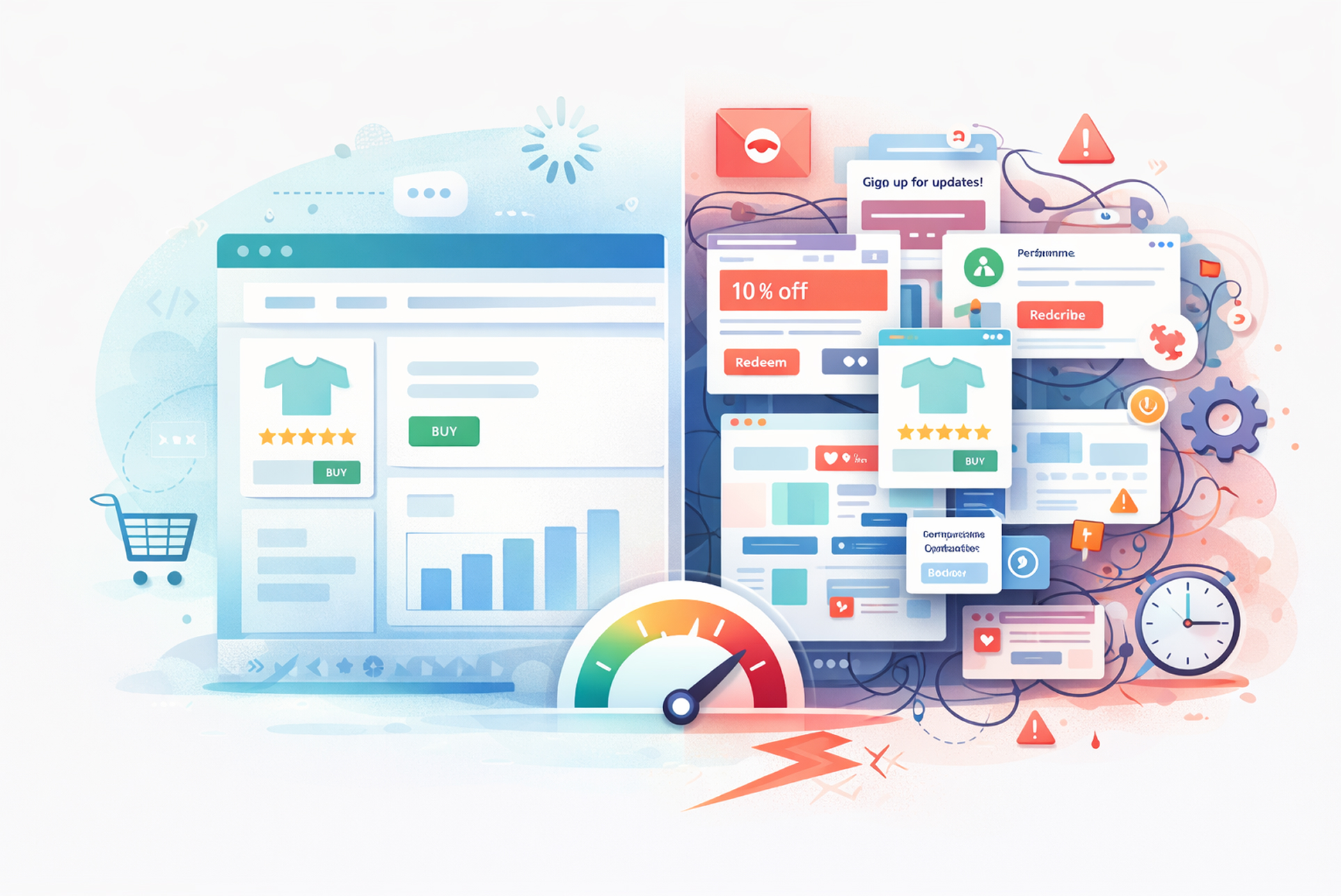
You started with the right instincts. A plugin for reviews, one for subscriptions, another for upsells, a loyalty tool, a custom reporting add-on, and something to handle your wholesale pricing. Each app solved a real problem at the time you installed it. But somewhere between scaling from six figures to seven or seven to eight the app stack that once felt like an advantage started to feel like scaffolding holding up a building that was never designed to carry this much weight.
If your store is experiencing checkout slowdowns you can’t fully explain, staff workflows that require manual workarounds, data that doesn’t reconcile cleanly across platforms, or monthly SaaS fees that are quietly adding up to more than a developer retainer would cost you are not alone, and you are not imagining the problem. What you are experiencing is a structural issue that more apps will not fix.
This article is for Shopify merchants who have outgrown the plug-and-play model and are seriously considering what it would mean to replace parts or all of their app stack with purpose-built custom tooling.
How to Diagnose Whether the Problem Is Your Apps or Your Operations
Before investing in custom development, it is worth being precise about what is actually breaking down. App stack fatigue tends to manifest in one of three ways, and each has a different root cause.
The first is performance degradation. Every third-party app installed on a Shopify storefront introduces additional JavaScript, additional HTTP requests, and in many cases, additional render-blocking resources. Individually, the impact is minor. Cumulatively, across eight or twelve apps, it can add seconds to your page load time and in ecommerce, seconds translate directly to lost conversions. Google’s Core Web Vitals framework treats Largest Contentful Paint, Interaction to Next Paint, and Cumulative Layout Shift as ranking signals, which means a bloated app stack is not just a UX problem; it is an SEO problem.
The second is workflow fragmentation. When your operations team has to jump between four dashboards to process a return, or your fulfillment staff have to manually reconcile orders between your OMS and your 3PL integration because two apps don’t communicate cleanly, the problem is not the individual apps, it is the absence of a unified system. Each point of friction compounds across hundreds or thousands of monthly orders.
The third is cost structure erosion. SaaS pricing is designed to scale with your revenue. What costs $49 a month at $500K annually often costs $299 or more at $3M. Multiply that across a stack of ten apps and the economics shift considerably. Many merchants reach a crossover point typically somewhere between $2M and $5M in annual revenue where the cumulative subscription cost exceeds what a well-scoped custom build would cost over the same period.
What “Custom Tooling” Actually Means in a Shopify Context
There is a meaningful difference between replacing your entire tech stack and replacing the parts of it that are causing the most pain.
Custom tooling in a Shopify context can mean several things: a private Shopify app that replicates the logic of a third-party tool but is built to your exact business rules; a custom storefront built on Shopify’s Hydrogen framework that eliminates the theme-layer constraints causing your performance issues; a headless architecture that decouples your frontend entirely from the Shopify admin; or a set of backend integrations built on Shopify’s Admin API or Storefront API that replace several disconnected apps with a single, coherent data layer.
None of these options requires migrating away from Shopify. In the vast majority of cases, the recommendation is to stay within the Shopify ecosystem and use its APIs as the foundation, replacing problematic third-party dependencies rather than the platform itself.
Working with a qualified Shopify developer partner is essential at this stage. The distinction matters because a development agency without platform specialization may propose solutions that technically work but violate Shopify’s API rate limits, fail under high-traffic conditions, or create long-term maintenance liabilities. A genuine Shopify developer partner has demonstrated technical competency on the platform, has access to early API features, and operates with the kind of architectural judgment that prevents the replacement stack from developing the same problems as the original one.
The Five Signals That Indicate You Are Ready for Custom Development
Readiness for custom tooling is not purely a question of revenue. It is a question of operational maturity, technical stability, and business clarity. Merchants who attempt custom development before they have stable core processes often spend significant budget solving problems that would have resolved themselves operationally.
Signal one: Your business logic is genuinely non-standard. If your pricing model, fulfillment rules, subscription structure, or B2B workflows cannot be configured within the settings of existing apps without forcing workarounds, that is evidence that your requirements have outgrown what the app ecosystem was built to serve.
Signal two: You have recurring manual processes tied to app limitations. If your team is regularly running CSV exports, copy-pasting between systems, or doing manual reconciliation because two apps don’t integrate and this work happens daily or weekly you are absorbing a hidden operational cost that custom integration would eliminate.
Signal three: A single app failure causes material business disruption. When your subscription app goes down during a billing cycle, or your review platform makes a unilateral change to its pricing model, or your loyalty tool is acquired and sunsetted and any of these events would cause a meaningful operational or revenue problem your dependency on third-party infrastructure has become a business risk, not just a technical inconvenience.
Signal four: Your store’s performance score has plateaued despite theme optimization. If you have already optimized your theme, deferred non-critical JavaScript, and compressed your media assets and your Core Web Vitals scores are still weak the remaining performance ceiling is almost certainly being imposed by third-party app scripts. Custom tooling removes that ceiling.
Signal five: You are spending more on apps than on development. This is the clearest economic signal. When the cumulative monthly cost of your app subscriptions approaches or exceeds what a retained development resource would cost, the financial case for custom tooling becomes straightforward, provided the scope is well-defined.
What Changes When You Move to Custom Tooling
The operational impact of replacing commodity apps with purpose-built tooling goes beyond the obvious performance and cost benefits. There are three shifts that most merchants do not fully anticipate until they are on the other side of the transition.
The first is data ownership and portability. Third-party apps store data in their own silos. When you cancel a subscription, you frequently lose access to that data, or export it in a format that is difficult to work with. Custom tooling stores data where you control it whether that is Shopify’s metafield and metaobject infrastructure, a connected database, or your own data warehouse. This matters significantly for analytics, personalisation, and long-term business continuity.
The second is iteration speed. With third-party apps, your ability to change behaviour is constrained by what the app’s settings panel exposes. With custom tooling, any aspect of the functionality can be changed in hours, not weeks and without waiting for a vendor’s product roadmap to catch up with your business requirements. Merchants who have made this transition consistently report that the speed at which they can test and deploy changes is one of the most significant operational upgrades they experience.
The third is system coherence. When your core workflows inventory management, customer communications, loyalty logic, fulfilment rules all operate within a single custom-built layer rather than across a fragmented collection of third-party tools, the operational clarity that results is significant. Staff require less training, errors are easier to trace, and the business as a whole develops a cleaner understanding of how its systems actually work.
How to Approach the Transition Without Disrupting a Live Store
The most common mistake merchants make when transitioning from an app stack to custom tooling is attempting to do too much at once. A full-stack migration on a live, revenue-generating store is a high-risk undertaking. The better approach is phased replacement.
Begin with an audit. Before writing a single line of code, map every app currently installed against the function it performs, the cost it carries, the data it owns, and the degree to which your operations depend on it. This audit will surface the highest-impact replacements typically the apps that are both expensive and causing the most workflow friction and give you a sequenced roadmap rather than a disruptive big-bang migration.
Prioritise the replacements that improve performance first, since they have the most direct impact on revenue and are typically the lowest operational risk to deploy. Address workflow integrations second. Tackle data-heavy replacements loyalty systems, subscription platforms, complex B2B pricing engines last, since these carry the highest migration complexity and require the most careful testing.
An experienced Shopify developer partner will insist on this sequencing not because it is the most technically interesting approach, but because it is the one most likely to result in a successful transition on a live business.
The Decision Framework: Build, Buy, or Hybrid
Not every app in your stack should be replaced with custom tooling. The decision framework is relatively simple in principle, though it requires honest assessment in practice.
Replace with custom tooling when the app handles a workflow that is genuinely specific to your business, when the app is a significant cost line, when the app is a meaningful performance liability, or when the app’s data is strategically important to retain ownership of.
Continue using third-party apps when the functionality is genuinely commodity standard review collection, basic analytics, simple redirect management when the app is lightweight, well-maintained, and not causing any measurable friction, and when custom development would cost more than the app would cost over a realistic period of use.
A hybrid model is the reality for most established Shopify merchants. The goal is not to eliminate third-party apps entirely. It is to retain only the ones that are genuinely earning their place, and to replace the ones that are constraining your growth.
Ready to Audit Your App Stack?
If your Shopify store is generating meaningful revenue and you suspect your current app stack is becoming a ceiling rather than an enabler, the most productive next step is a structured technical audit not a sales conversation.
A proper audit will tell you exactly which apps are affecting your performance scores, where your highest operational friction points are, what the realistic cost of custom replacement would be, and what the phased roadmap should look like.
Book a technical audit → or explore our custom Shopify development services